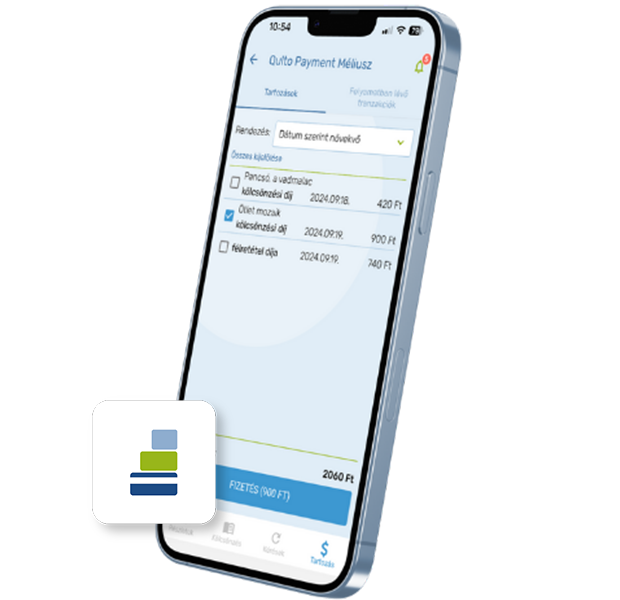
Qulto Payment is a central cloud service designed to provide a unified, secure, and convenient payment gateway solution for Qulto products. It enables institutions (libraries, cultural spaces) to offer online payment options to their users directly, without entering into complex individual contracts with third parties.
Main benefits of the central Payment service
- Smooth integration: Institutional software only needs to connect to this central gateway, meaning future changes to underlying payment/invoicing systems do not need to be handled separately.
- Direct access: Clients do not need to contract directly with third parties (banks or external service providers).
- Statistics: Detailed reports can be generated regarding payments and transaction data.
Benefits for institutions
- No need to contract separately with a bank or multiple service providers
- Savings: No need to maintain physical POS terminals at each location
- Security: Fewer cash-handling issues and reduced administration
- Efficiency: The process is fully automated, saving time for library staff
- Accuracy: Faster debt settlement and up-to-date, accurate record-keeping
- Patron satisfaction: A modern convenience service for library users
How the payment process works (using the eCard application as an example)
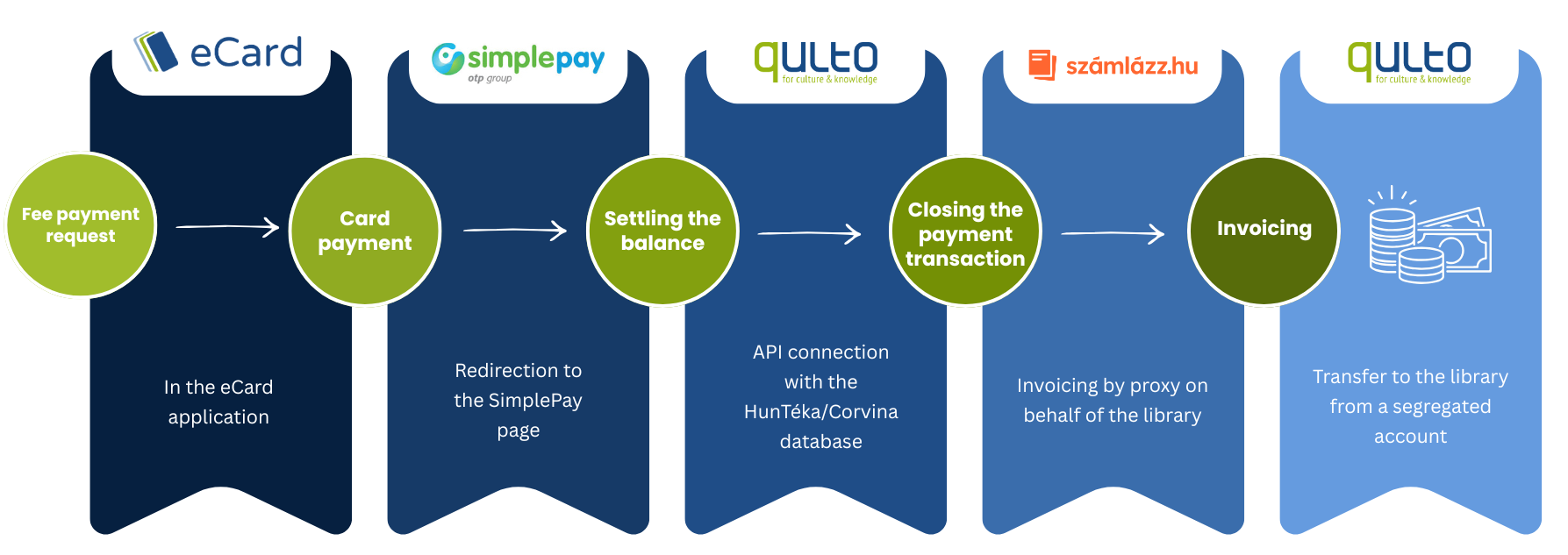
The user-friendly and fully automated transaction consists of the following steps:
| Step & Location | System / Connection | Operation Description |
|---|---|---|
| 1. Fee payment request In the eCard application |
User interface | The reader selects the outstanding fees they wish to settle within the mobile application. |
| 2. Card payment SimplePay secure interface |
Redirection to the OTP SimplePay page | The payment takes place in a secure banking environment. Qulto Payment does not request or store bank card details. |
| 3. Setting the balance Qulto central system |
API connection with the HunTéka/Corvina database | Upon successful payment, the system immediately and automatically clears the balance in the institutional database. |
| 4. Transaction closing & Invoicing Számlázz.hu integration |
Invoicing by proxy on behalf of the institution | The system automatically issues the invoice via szamlazz.hu on behalf of the institution (invoicing by proxy). |
| 5. Settlement Financial settlement |
Segregated account | Transfer of the received funds to the library / institution from the segregated account. |
Information
Ecosystem level(s)
Connect
Qulto Institutional level(s)
Libraries, Museums, Academic institutes